
Conversation settings: SLAs
CRM› Conversations› Conversation SettingsChecked 29 Oct 2026
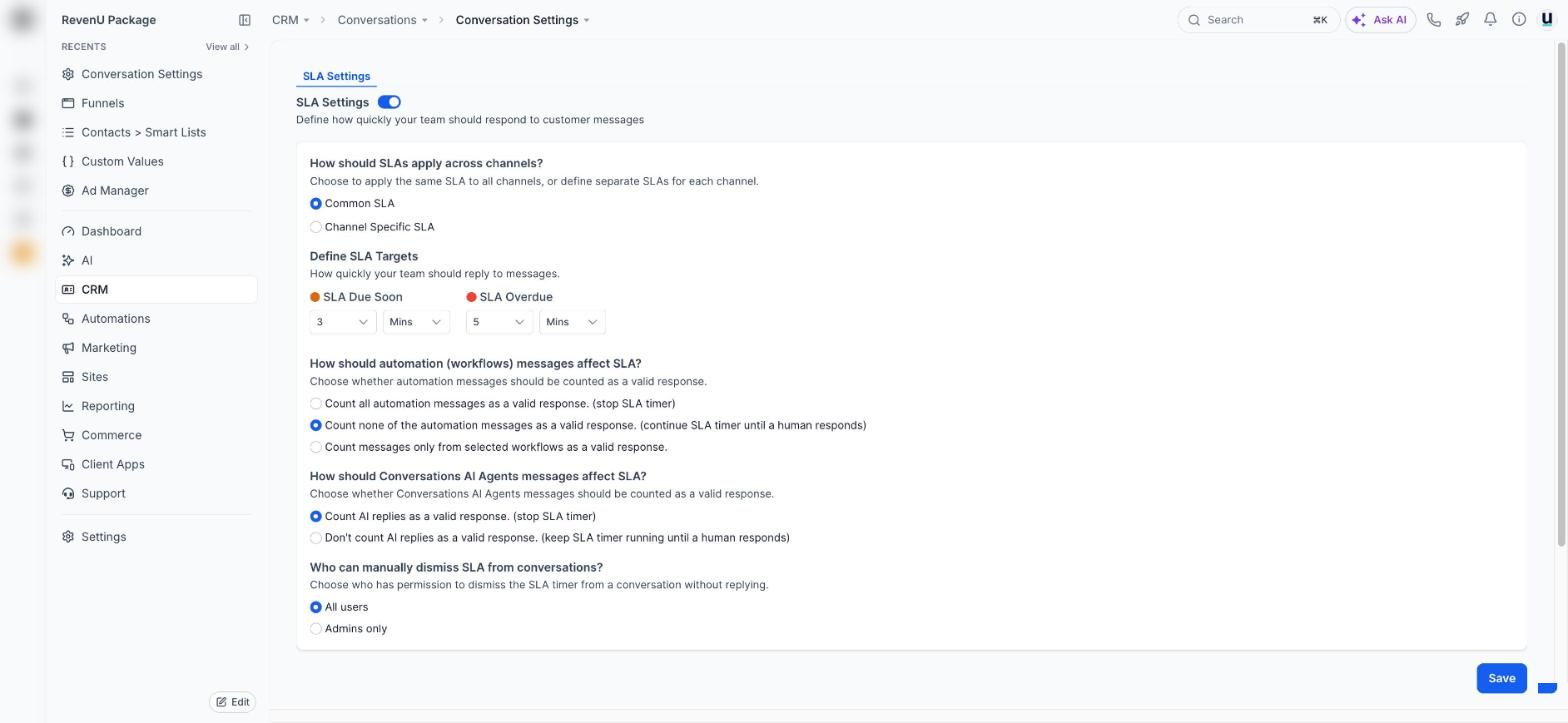
Response time targets that colour conversations orange when a reply is due and red when it's overdue.
Tap a number to see what it doesreal screen, demo account
Jobs on this screen
What people come here to do
82
Set response time targets (SLAs) for your inbox
Conversations turn orange when a reply is due soon and red when it's overdue, so no one is left waiting.
- 1How it works
- 2Open the settings
- 3Set the targets
5 min · 5 steps
03start here
Reply to customers from one inbox
Texts, emails, chats, calls and socials, all in one thread per customer.
- 1Open Conversations
- 2Start with Unread
- 3Open the customer
5 min · 5 steps