
Reputation settings
Marketing› Reputation› Reputation SettingsChecked 29 Oct 2026
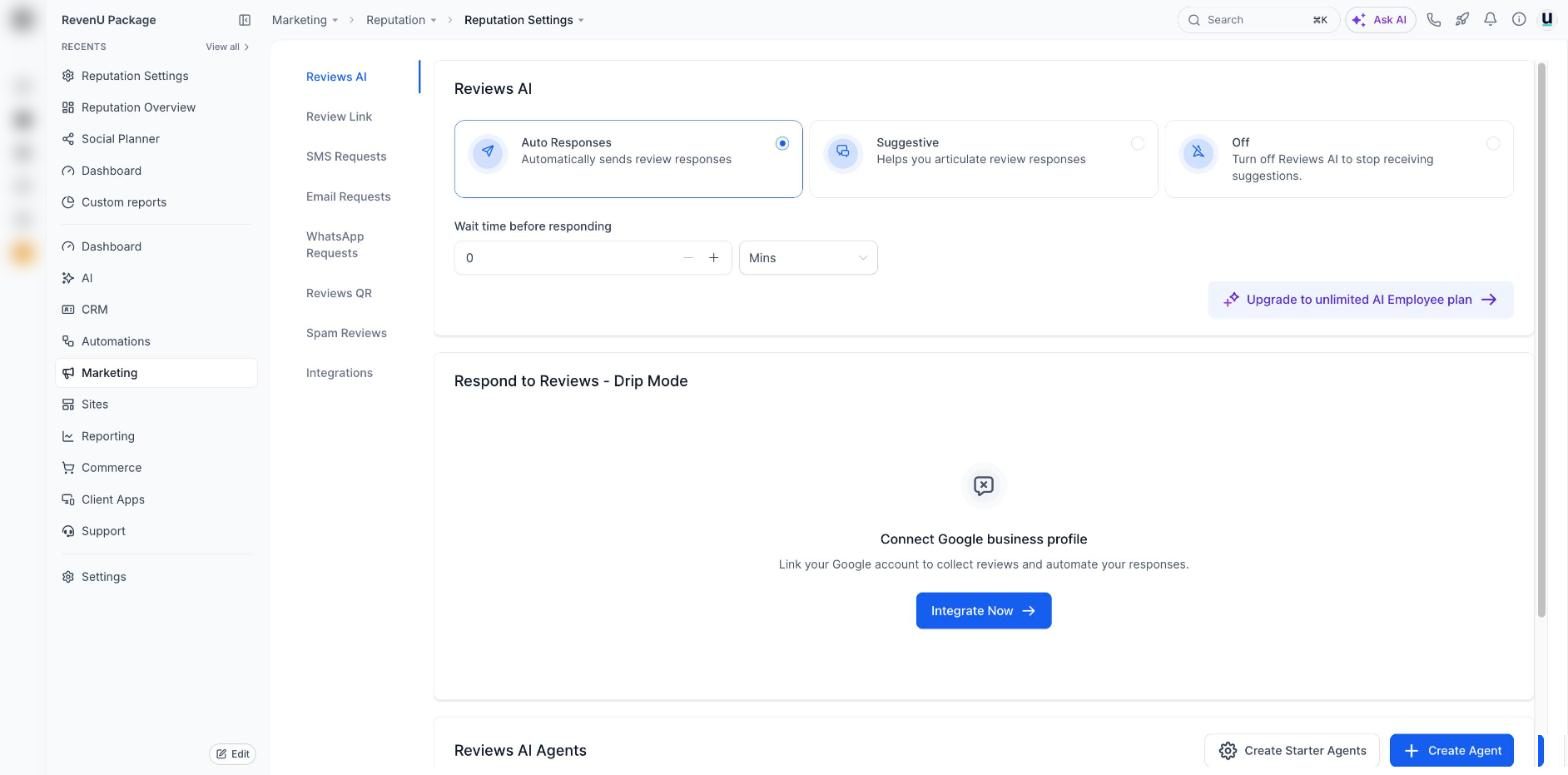
How review requests go out, how AI replies to reviews, your review link and QR code, and spam reviews.
Tap a number to see what it doesreal screen, demo account
Jobs on this screen
What people come here to do
83both ways
Reviews, the full picture: native requests vs workflows
Two ways to ask for reviews, when to use each, plus AI replies, widgets and spam reviews.
- 1Where everything lives
- 2Way 1, native requests: simplest
- 3The message to use
15 min · 8 steps
06
Ask for a Google review after a job
Send a review request by text or email, or have it go out after every job.
- 1Connect Google (and Facebook if you use it)
- 2Set the request message
- 3Send one now
10 min · 4 steps
51
Reply to Google reviews, and handle a bad one
Answer every review from one place, and deal with a bad review without making it worse.
- 1Connect Google
- 2Open your reviews
- 3Reply to the good ones
10 min · 5 steps