AI that answers, books and writes for you
An AI receptionist on the phone, a chat agent on your site, Ask AI in the app, and Content AI for posts and emails.
1 Start here: Set up an AI receptionist that answers the phoneAgents that talk to customers
Phone, chat and text.
Set up an AI receptionist that answers the phone
A voice agent that answers calls in your business's voice, answers questions and books jobs.
- 1Create the agent
- 2Give it a voice and a job
- 3Give it your knowledge
Put an AI chat agent on your website
A chat bubble that answers questions and books people in, in your voice.
- 1Create the agent
- 2Train it
- 3Make the chat widget
Build your own AI agent
An agent that runs a job for you: follows up, chases, checks, reports. Described in plain English.
- 1Start it
- 2Describe the job
- 3Set when it runs
Change what your AI agent says
Update its instructions, test it, and switch it on.
- 1Open your agent
- 2Change its instructions
- 3Test it
Teach your AI agent a new answer
Add a question and answer, a document or a web page to what it knows.
- 1Open the knowledge base
- 2Add what it should know
- 3Test that it finds it
AI that helps you
Inside the app and in your other tools.
Use Ask AI, the assistant inside your account
Ask in plain English and it finds things, drafts things and does the fiddly bits.
- 1Open it
- 2Ask in plain English
- 3Check before it acts
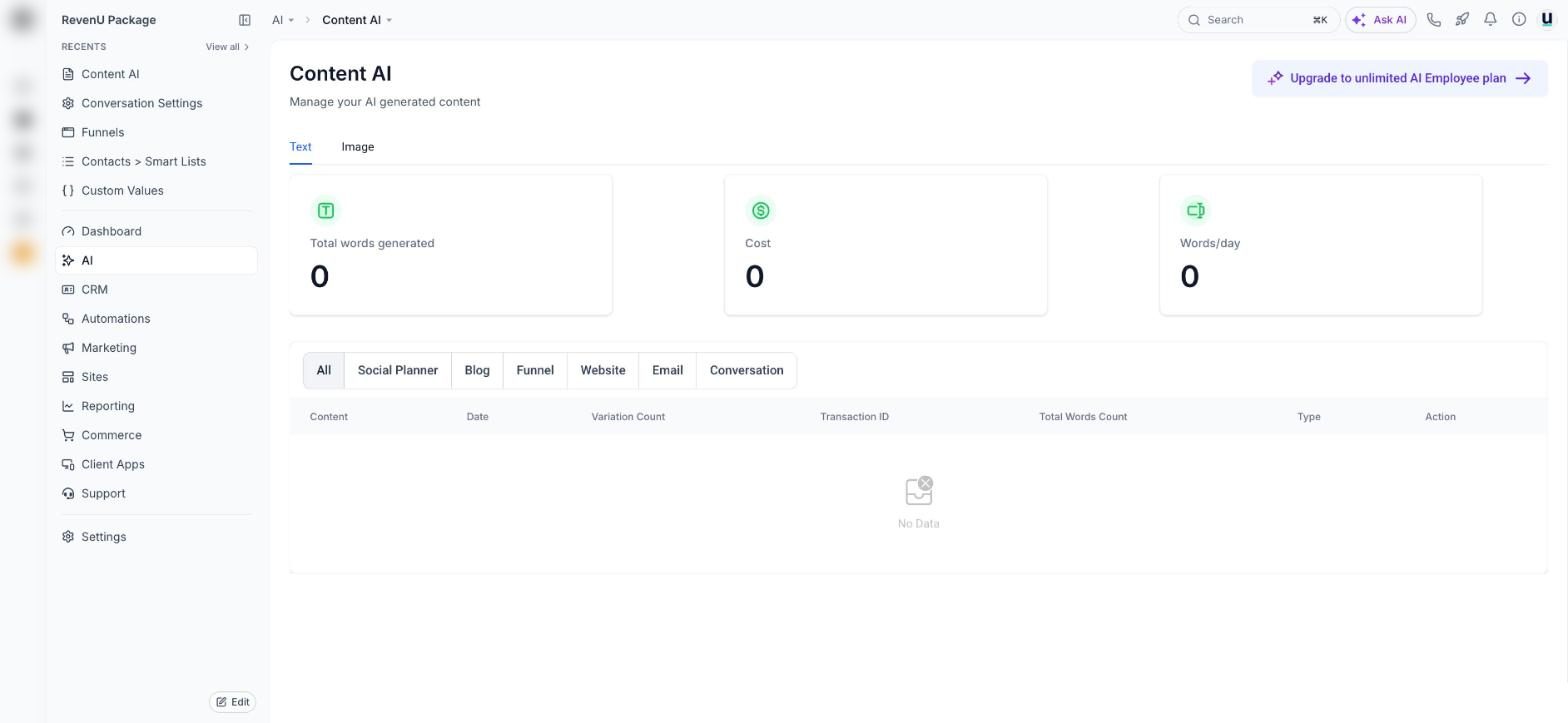
Write posts, emails, blogs and images with Content AI
Content AI is the writing and image helper built into the social planner, email builder, blogs, funnels and inbox.
- 1Where it lives
- 2Give it a proper brief
- 3Make images
Get more from AI Studio: prompts that work
How to talk to AI Studio so it builds what you mean, fixes things cleanly and publishes to your domain.
- 1How it works
- 2Open it
- 3Start with a full brief
Connect Claude to your revenu account
Let Claude read and work in your contacts, bookings and pipeline, in plain English.
- 1Open Connectors in Claude
- 2Name it and paste the address
- 3Connect and pick your account
Connect ChatGPT to your revenu account
Use ChatGPT to look things up and get work done in your account.
- 1Turn on Developer mode
- 2Add revenu as an app
- 3Sign in and pick your account
See every screen
Real screens with every button numbered and explained.