Run events: tickets, RSVPs and check-in
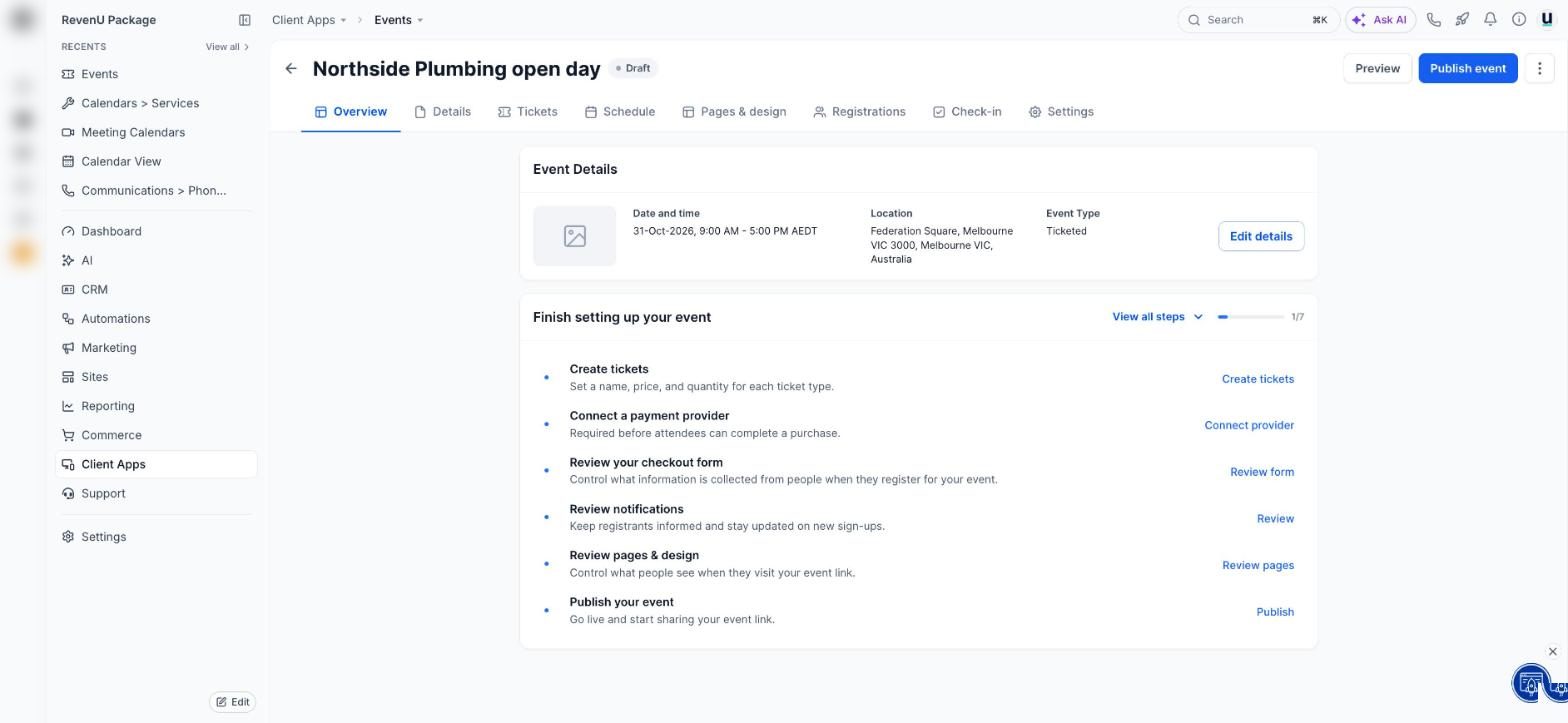
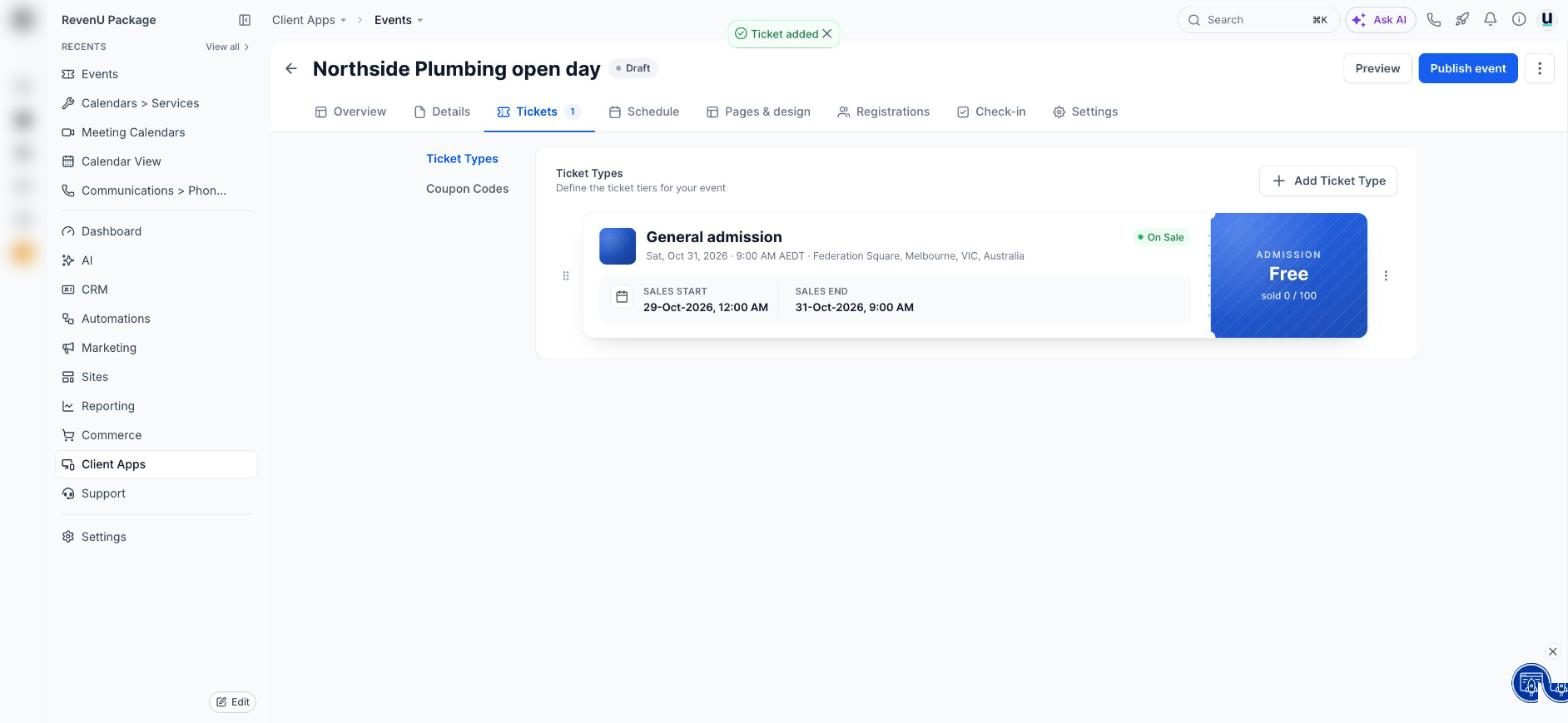
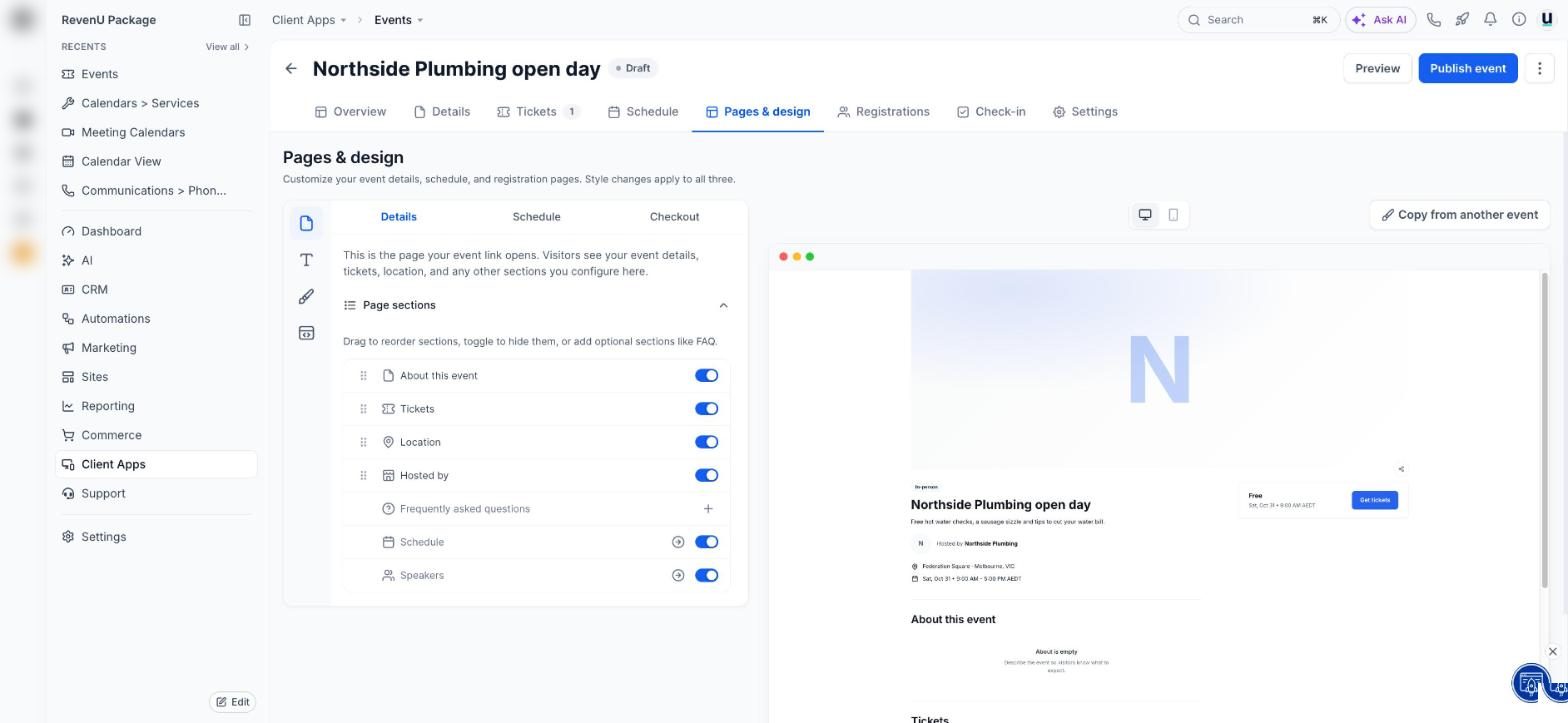
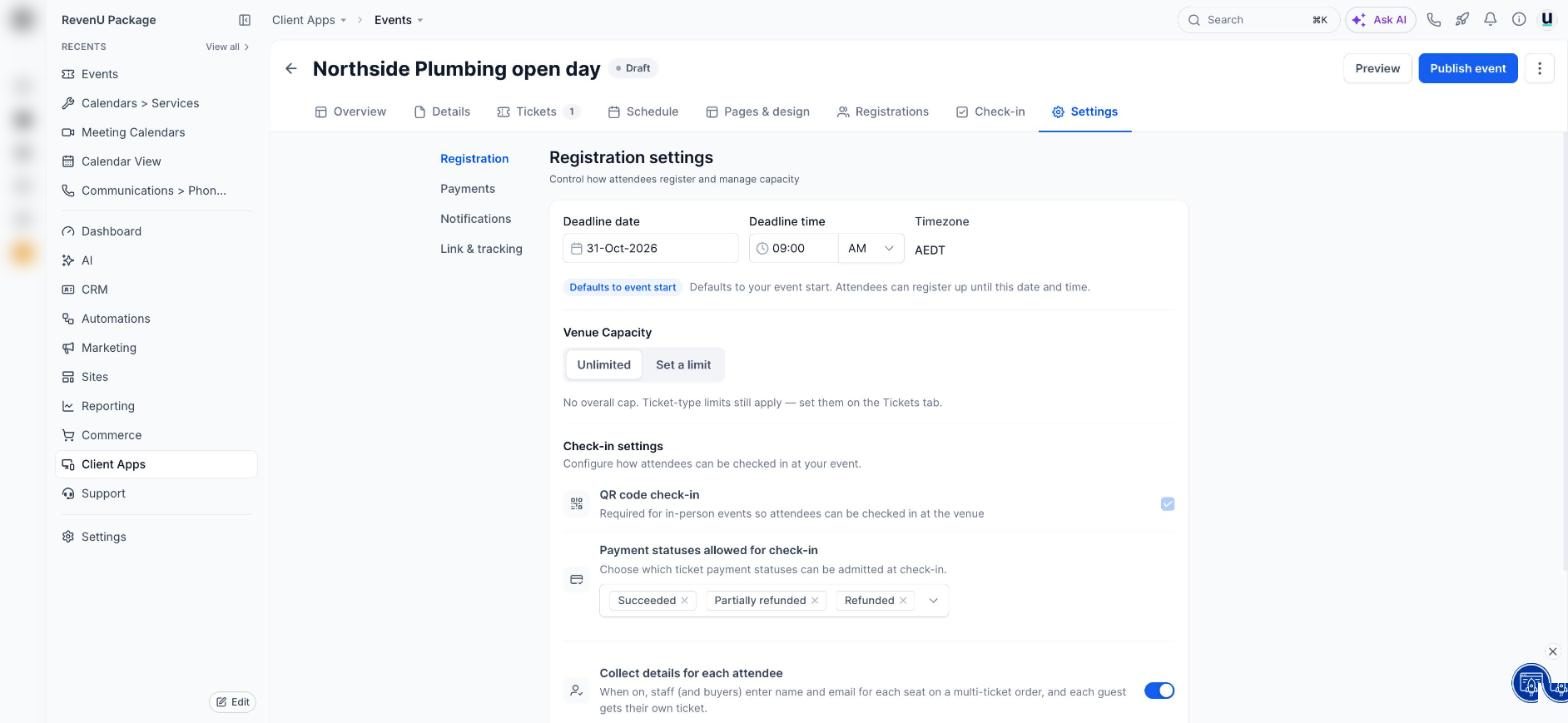
The Events feature (beta) builds a proper event page, sells tickets or takes free RSVPs, sends the emails, and checks people in at the door.
1 Start here: Run an event with tickets: the whole thingBuild it
From nothing to a live event page.
Run an event with tickets: the whole thing
Build the event page, sell tickets (or take free RSVPs), send reminders and check people in at the door. Beta.
- 1What Events does
- 2Create it and pick the type
- 3Details
Run a free event with RSVPs
No tickets to sell, just a clean page where people say they're coming.
- 1Choose RSVP
- 2Fill in the basics
- 3Cap the numbers
Fill it
Get people there.
Track event ads with your Meta pixel and a custom link
Give your event a tidy web address and tell Meta who viewed, started checkout and bought.
- 1Set the address
- 2Add your pixel
- 3Use it in your ads
Event emails: confirmations, reminders and the thank-you
What gets sent automatically, when, and how to change it.
- 1Open notifications
- 2For you
- 3For guests
Schedule your social media posts
Write once, post to Facebook, Instagram, Google and more, on the day you pick.
- 1Connect your accounts
- 2Start a post
- 3Write it and add media
Send an email to your customer list
Build an email, pick who gets it, send now or schedule it.
- 1Start a campaign
- 2Build or choose the email
- 3Pick who gets it
On the day
Doors open.
Check guests in at the door
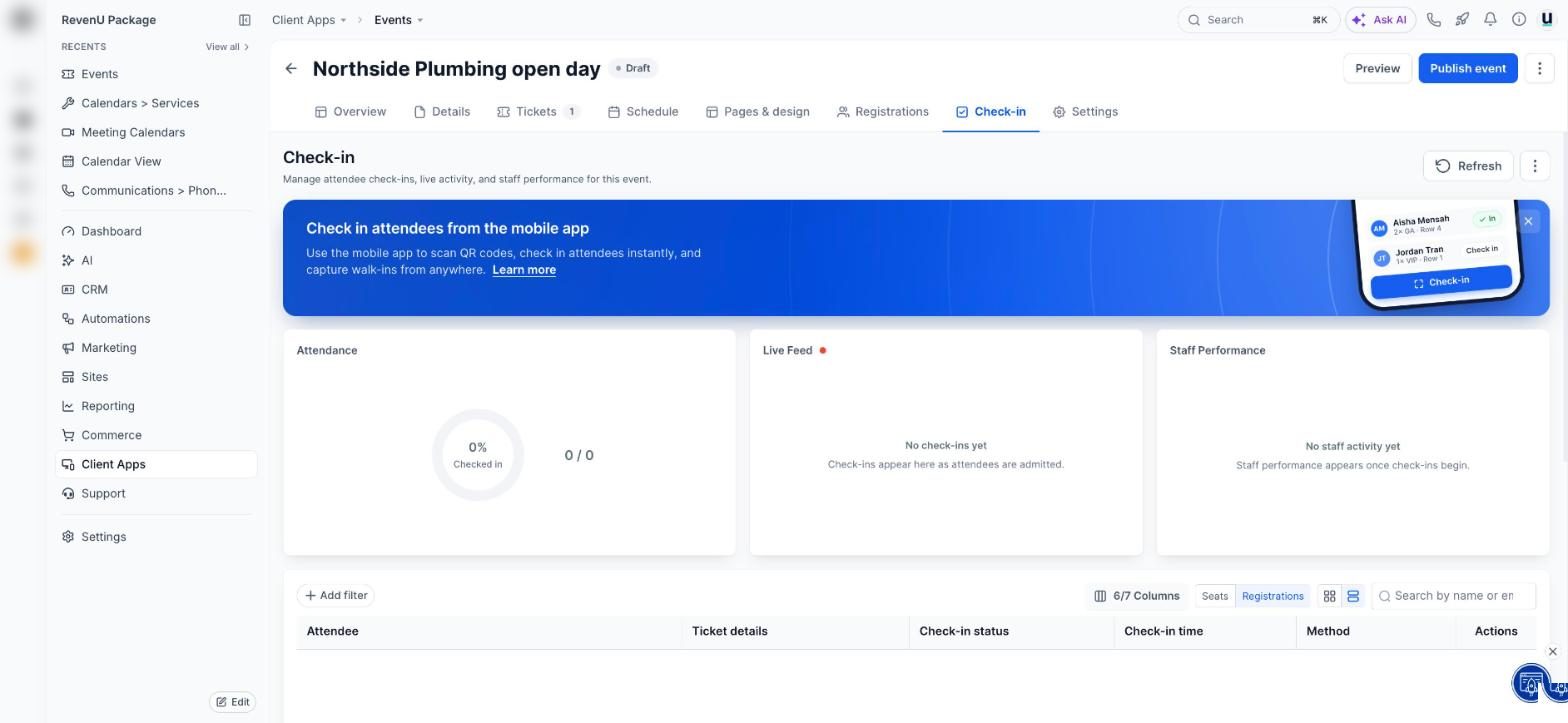
Scan each ticket's QR code with the mobile app, and watch attendance live.
- 1Turn on QR check-in
- 2Use the mobile app
- 3Watch it live
Use the revenu app on your phone
Reply to customers, take calls and check your day from the van.
- 1Get the app
- 2Sign in and pick your account
- 3Turn on notifications
Related
Classes and event calendars are different tools.
Which calendar do I need? Every type explained
Personal, round robin, class, collective, event calendar, service booking, rentals or Events. Pick in 30 seconds.
- 1Where they live
- 2Personal booking: just you
- 3Round robin: share the work
Run group classes with limited spots
One time slot, many people, and bookings close when it's full.
- 1Create a class calendar
- 2Set seats
- 3Share it
Connect Stripe to take payments
Link your Stripe account so invoices, payment links, bookings and stores can charge cards.
- 1Open payment integrations
- 2Sign in to Stripe
- 3Test mode first
See every screen
Real screens with every button numbered and explained.